
Reframe in Your Pocket: Editing Vertical Video on Your Phone
The footage is already on your phone. So is the edit. How to turn wide clips into finished 9:16 stories with one finger, minutes after you shoot them.
Read the story ↗Better stories don't always need a new shoot. Inside the tools, techniques and decisions that give moving images their focus.
The footage is already on your phone. So is the edit. How to turn wide clips into finished 9:16 stories with one finger, minutes after you shoot them.
Read the story ↗Creative practice, workflow and technology for people who make pictures move.
The footage is already on your phone. So is the edit. How to turn wide clips into finished 9:16 stories with one finger, minutes after you shoot them.
Read the story ↗
Auto Reframe è un buon punto di partenza. Quando l'inquadratura deve essere giusta, i montatori vogliono il controllo manuale senza uscire da Premiere Pro.
Read the story ↗
CapCut decide dove va l'inquadratura. Con Cropper decidi tu. Un confronto onesto tra reframing automatico e reframing guidato a mano per Reels, TikTok e Shorts.
Read the story ↗
App per telefono, programmi di montaggio e strumenti online che trasformano il 16:9 in 9:16. A cosa serve ciascuno e come scegliere in base al tuo girato.
Read the story ↗
Da 16:9 a 9:16 senza bande nere e senza tagliare il soggetto. Il metodo più semplice, passo dopo passo, su telefono, tablet o computer.
Read the story ↗
Phone apps, desktop editors and browser tools that turn 16:9 into 9:16. What each one is best for, and how to choose for your kind of footage.
Read the story ↗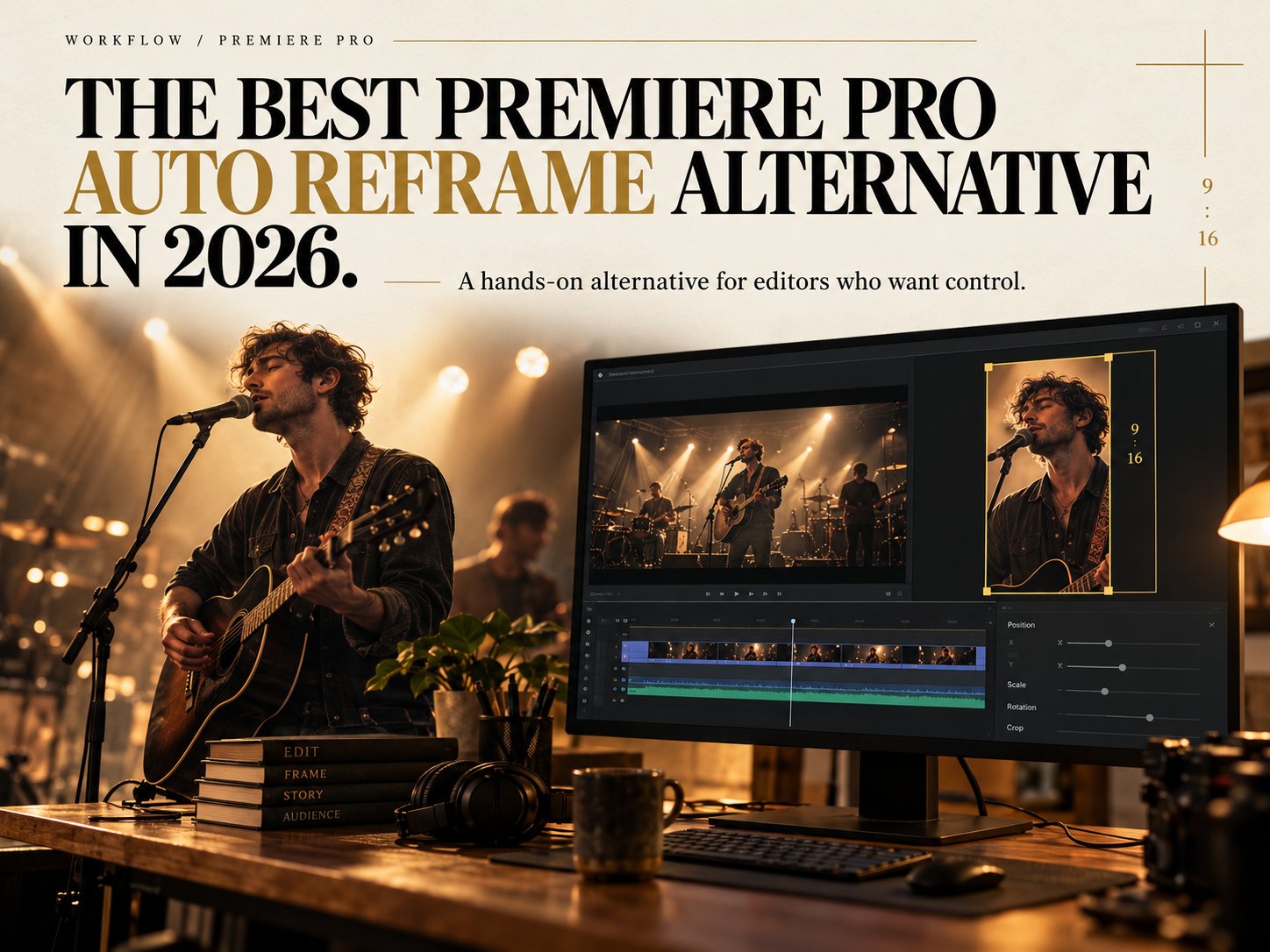
Auto Reframe is a good first pass. When the framing has to be right, editors want hands-on control without leaving Premiere Pro. Here is how the options compare.
Read the story ↗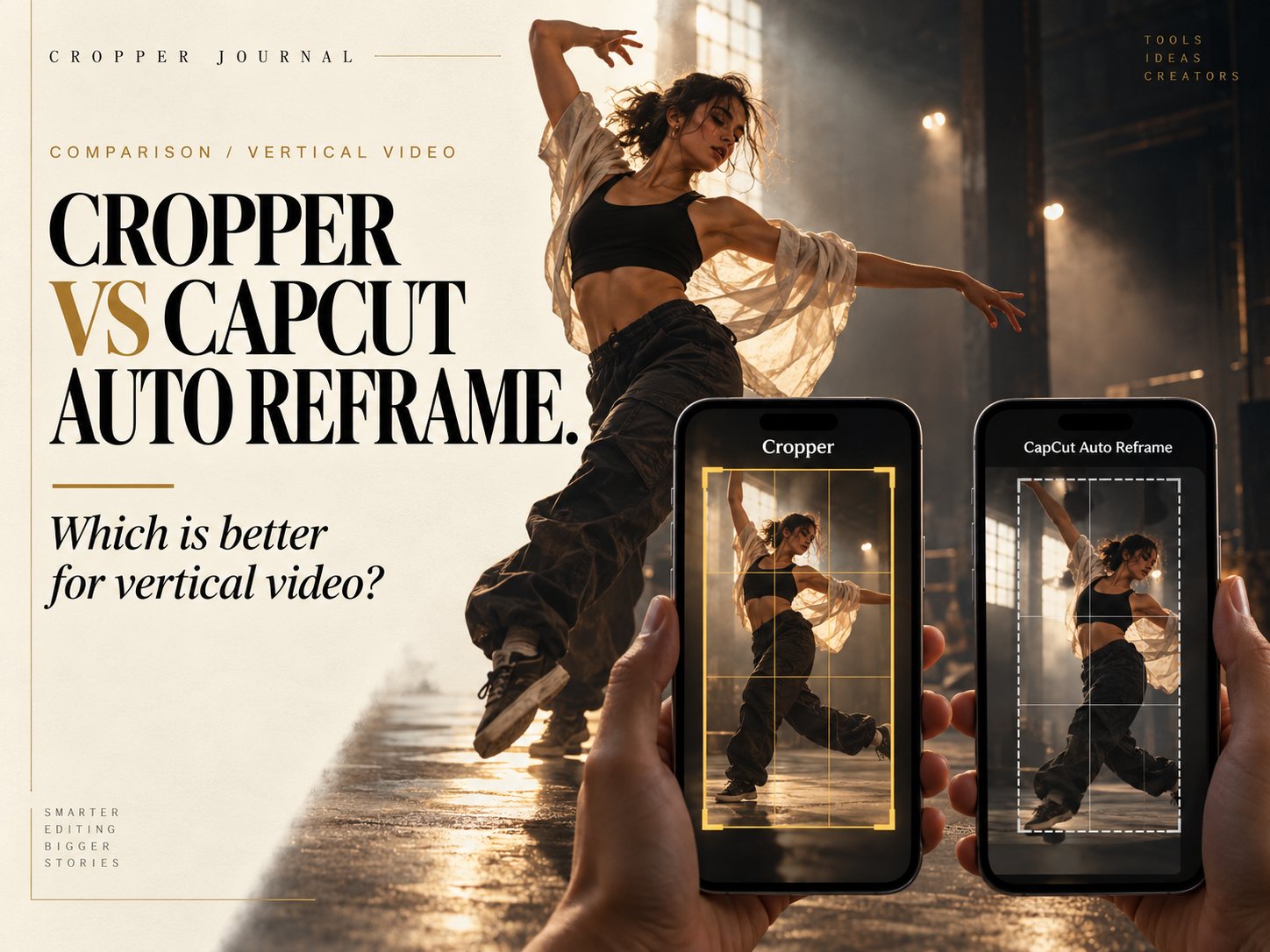
CapCut decides where the frame goes. Cropper lets you decide. An honest comparison of automatic and hand-guided reframing for Reels, TikTok and Shorts.
Read the story ↗
Compare vertical video workflows in Adobe Premiere Pro and DaVinci Resolve, and discover how Cropper brings creative control to social video reframing.
Read the story ↗
Clients want widescreen, vertical and square from the same day. A planning method that makes every shot work in all three.
Read the story ↗
One wide master, several platforms. A practical checklist for delivering 9:16, 4:5 and 16:9 versions without redoing the edit each time.
Read the story ↗
A mouse moves a cursor. A finger points at the subject. Why a tablet is one of the fastest tools for reframing video by hand.
Read the story ↗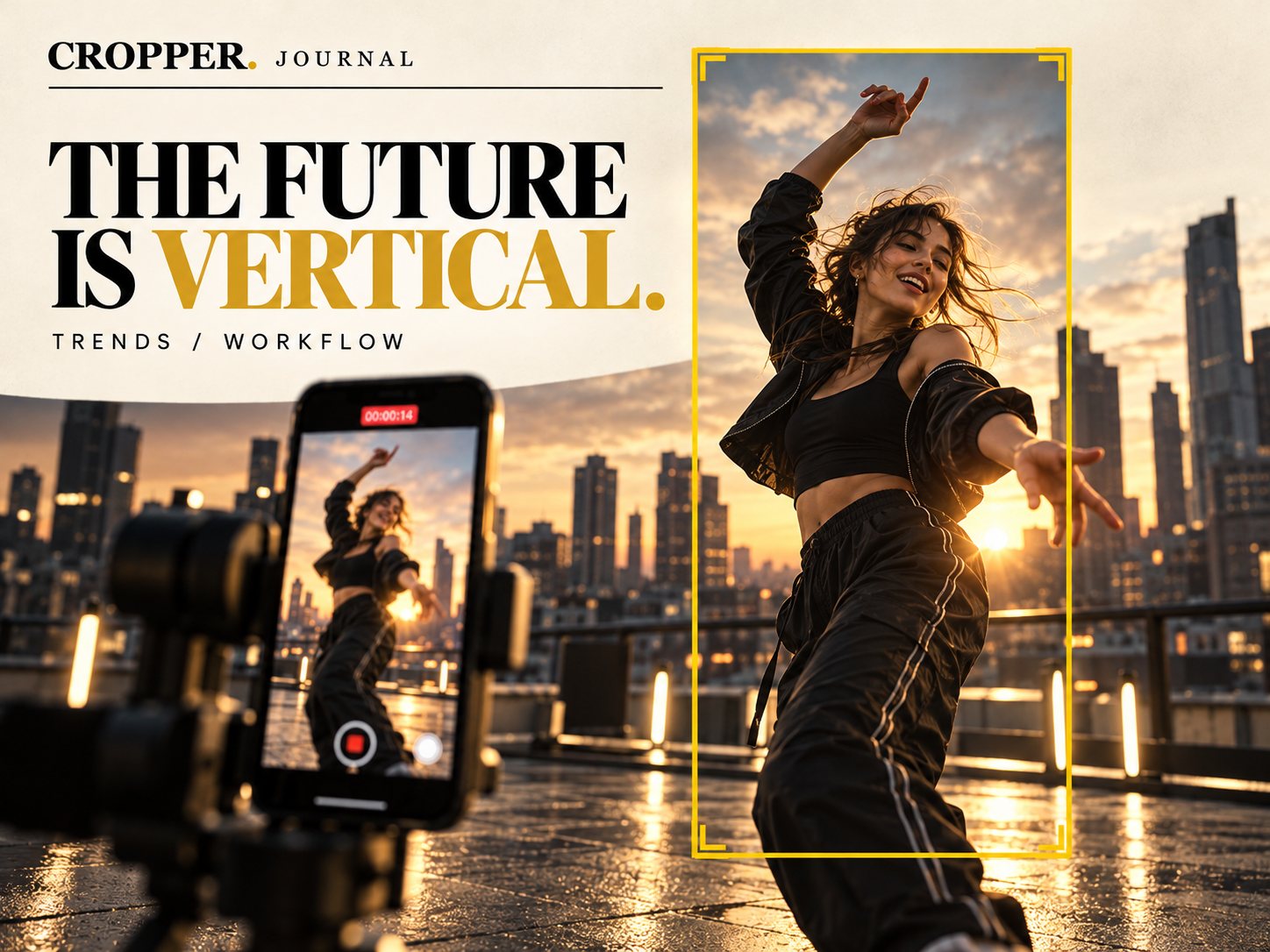
Phones made vertical the default way people watch. That is exactly why shooting wide, then choosing the vertical frame by hand, is the smartest way to work.
Read the story ↗
Organized bins, a vertical sequence and a clean export. A practical Premiere Pro workflow for reframing 16:9 footage into 9:16 social clips.
Read the story ↗
Touch is fast, a big screen is precise and a timeline is powerful. A practical comparison to help you choose where to reframe each project.
Read the story ↗
9:16, 4:5 and 1:1 each have a job. A clear guide to which aspect ratio to deliver, and how to reframe once for several of them.
Read the story ↗
Product shoots are usually filmed for the website. Here is how to get vertical ads and Reels from the same footage without a reshoot.
Read the story ↗
Organize the Media Pool, set up a vertical timeline and deliver 1080 x 1920 exports. A clean DaVinci Resolve workflow for reframing wide footage to 9:16.
Read the story ↗
News moves fast and vertical versions are now part of the delivery. A practical checklist for turning a broadcast package into a clean 9:16 clip.
Read the story ↗
Wide landscapes and tall phones seem like a bad match. With the right framing choices, travel footage can look even better in 9:16.
Read the story ↗
Celebrations, group shots and busy scenes put several faces in the frame. How to choose who the vertical crop should follow.
Read the story ↗
A vertical frame is never seen alone. Buttons, captions and usernames sit on top of it. Here is how to compose so nothing important gets covered.
Read the story ↗
Short-form video forgives very little. How to find the moment, cut to it fast and let the vertical frame carry the emotion.
Read the story ↗
Great sports camera operators frame where the play is going, not where it is. How to bring that instinct to vertical reframing.
Read the story ↗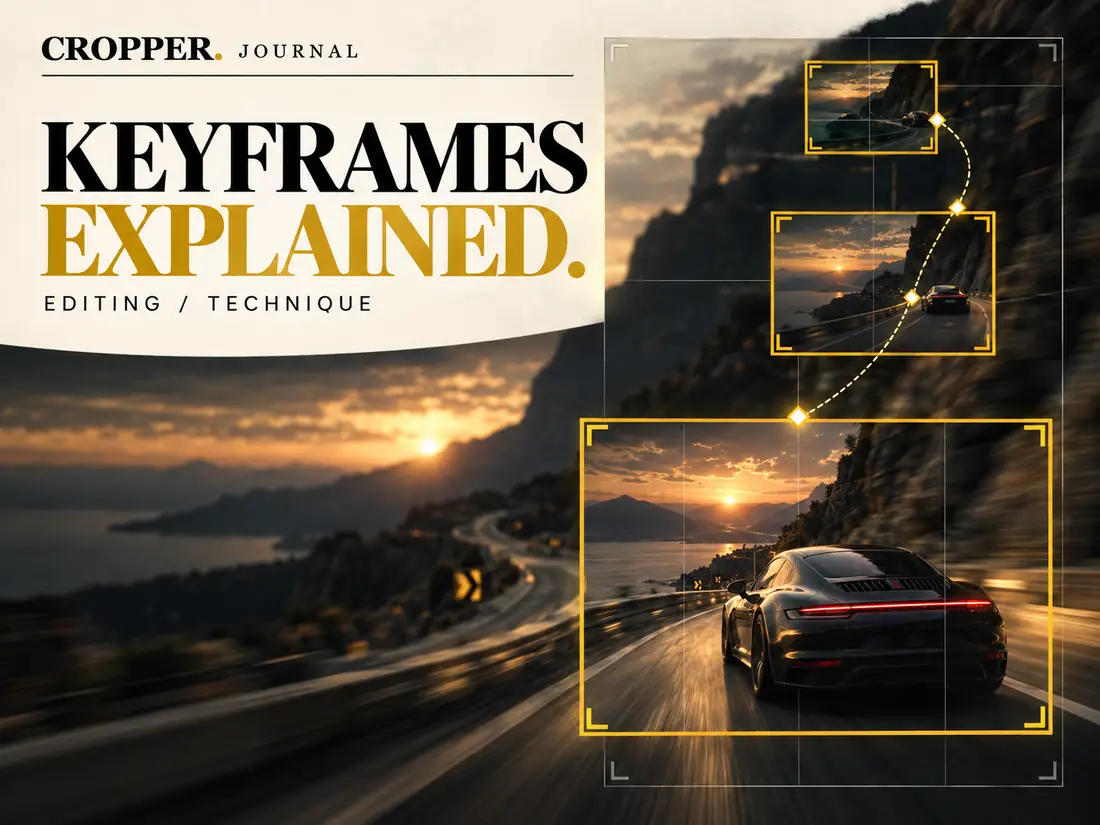
What keyframes are, how a crop moves between them, and how to place fewer, better keyframes for movement that feels like a real camera.
Read the story ↗
A simple mental template for the three zones of a vertical screen, and how to use it when you reframe wide footage to 9:16.
Read the story ↗
Viewers decide in a moment whether to keep watching. A clear subject, filling the vertical frame, gives your clip a better chance of holding them.
Read the story ↗
Two people, one vertical frame. How to cut interview and podcast footage so the viewer always knows who is speaking.
Read the story ↗
Interviews are among the most reframed videos online. A few choices on set make the vertical version look intentional instead of improvised.
Read the story ↗
A sports highlight, a brand interview and a travel film. Three everyday reframing jobs, broken down step by step so you can apply the same thinking to your own footage.
Read the story ↗
Wide match footage is the hardest material to turn vertical. A practical method for following the ball, the player and the moment.
Read the story ↗
A one-hour video podcast holds dozens of clip-worthy moments. A repeatable process for finding them, reframing them and posting them.
Read the story ↗
A fixed center crop is fast, but it often cuts out the moment that matters. Here is why framing decisions belong to the editor.
Read the story ↗
Many people watch with the sound off. Where to place captions in a 9:16 frame, how big to make them and how to keep them clear of platform buttons.
Read the story ↗
From 16:9 to 9:16 without black bars or awkward crops. The simplest method, step by step, on phone, tablet or desktop.
Read the story ↗
One camera, two deliveries. How to plan and frame a widescreen shoot so it still works when you cut it down to a vertical 9:16 frame for social.
Read the story ↗
Resolution, codec, frame rate and file naming. The export settings that keep vertical video sharp after platforms recompress it.
Read the story ↗
The vertical frame is a portrait frame. How to use headroom, eye line and light so people look their best in 9:16.
Read the story ↗
Broadcast packages are cut for 16:9. A practical workflow for turning the day's news into vertical clips without slowing down the main bulletin.
Read the story ↗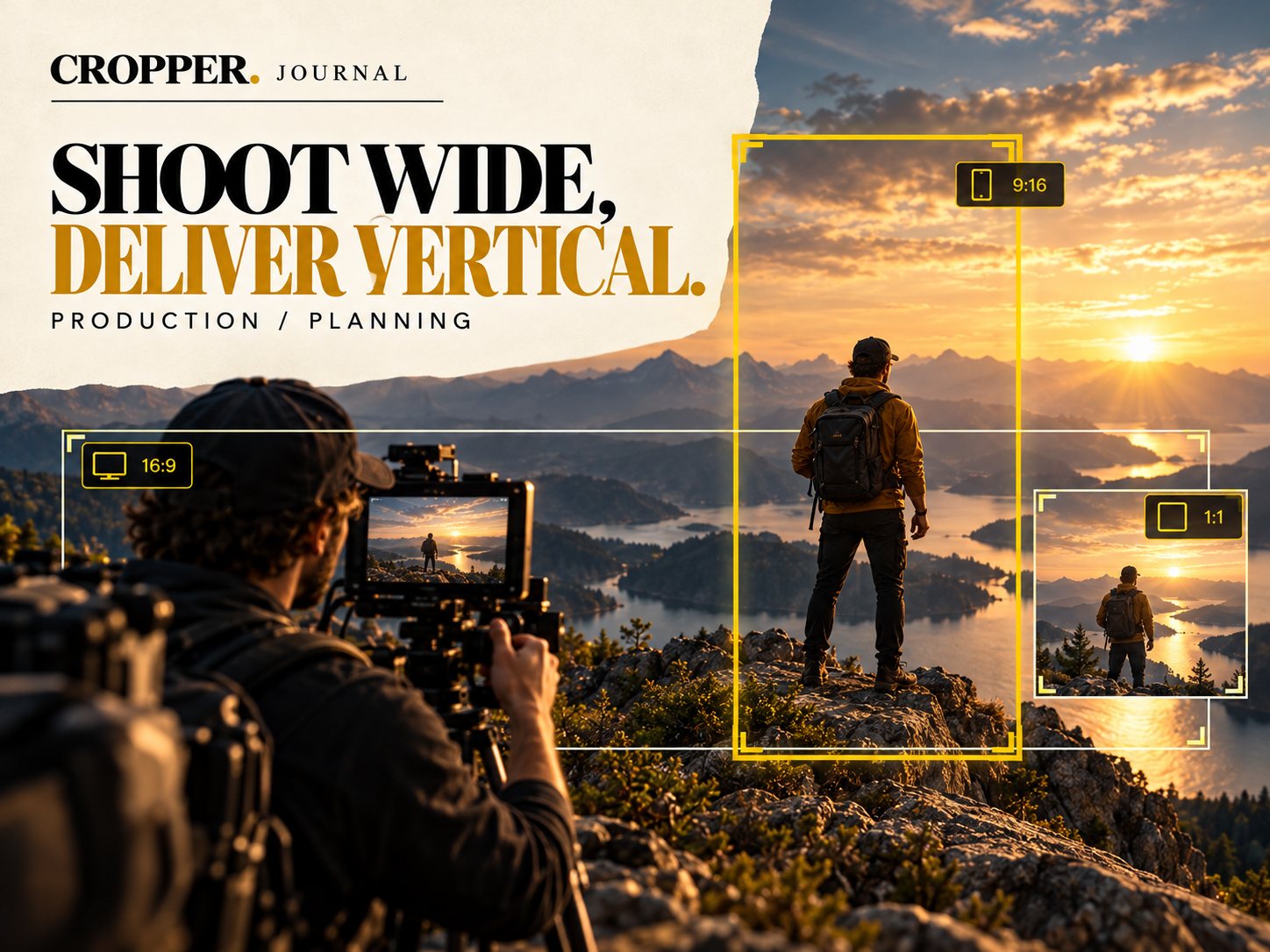
How much resolution do you need to crop vertical video from a wide shot? The math, the lens choices and the framing habits that keep crops sharp.
Read the story ↗
The center of a wide shot is often empty sky or background. Classic composition explains why, and why the vertical frame belongs where the subject is.
Read the story ↗
A grade that works in 16:9 can fall apart in 9:16. How to think about color, contrast and the crop at the same time.
Read the story ↗
Live events are shot wide for the big screen. Here is how to pull vertical clips for Reels and Shorts without losing the energy of the room.
Read the story ↗
Between two framing positions you can cut, glide or snap. How each choice feels, and which one fits dance, sport, interviews and music video.
Read the story ↗
Too few keyframes and the subject drifts out. Too many and the frame shakes. Practical numbers and a method for getting it right.
Read the story ↗
Auto reframe is fast but it guesses. Manual, hand-guided reframing takes a little longer and puts every framing decision back with the editor.
Read the story ↗
Football is the hardest test for automatic reframing. A look at where auto tools lose the play, and how hand-guided framing keeps the ball and the shooter in shot.
Read the story ↗No stories match your search.
Two professional workflows. One simple idea: keep the story in the frame.