Vertical Video for Newsrooms: Building a Same-Day Social Desk Workflow
Broadcast packages are cut for 16:9. A practical workflow for turning the day's news into vertical clips without slowing down the main bulletin.
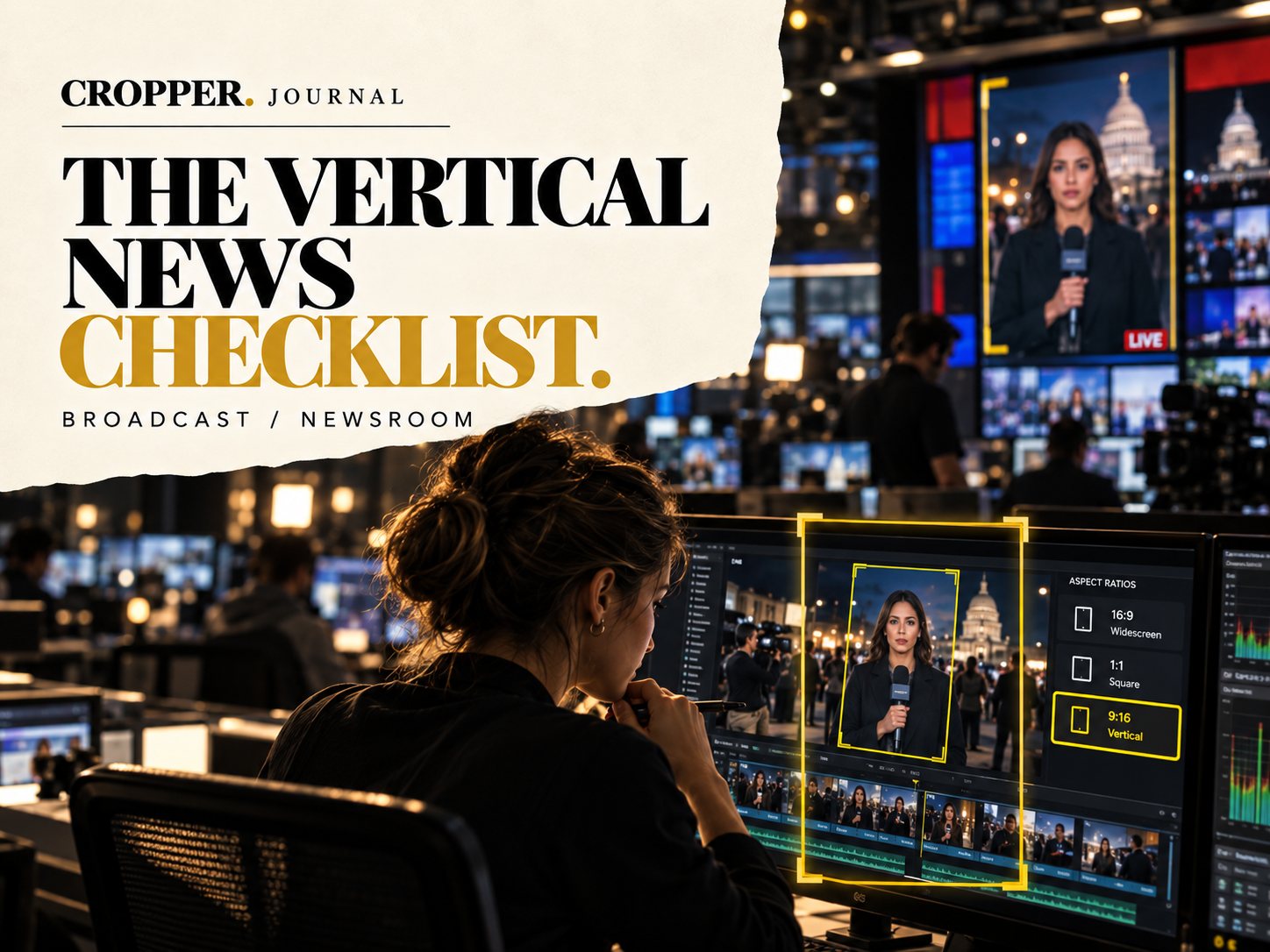
Quick answer: newsrooms can deliver vertical clips the same day by pulling selects from the broadcast edit, reframing them to 9:16 with the reporter, speaker or key action centered, adding burned-in captions inside the safe area and publishing from a short checklist. A dedicated social editor or a mobile reframing tool keeps it off the main edit's critical path.
The audience for news on phones keeps growing, but the production chain is still built around the bulletin. Vertical has to fit alongside it.
Where vertical fits in the day
Morning: plan which stories will get vertical versions.
After the package is cut: export selects or work from the timeline directly.
Before publishing: captions, legal checks and a phone preview.
Framing news footage
Stand-ups and pieces to camera: frame the reporter, keep the location visible above or beside them.
Interviews: one face per frame, steady.
Action and crowds: follow the event, not the camera's original framing.
Graphics: wide lower thirds and maps rarely fit. Rebuild key text for vertical.
Who does the reframe
Some teams give it to the package editor in Premiere Pro or DaVinci Resolve. Others hand selects to a social producer working on a tablet or phone. Both work. The important part is that reframing is a defined step with an owner, not an afterthought.
A short publishing checklist
Captions burned in and inside safe zones. Names and titles checked. Rights cleared for all footage. Watched on a phone.
Built by a broadcast editor
Cropper was created by an editor who cuts daily news packages, and it is built for the speed a newsroom needs.