The Future Is Vertical: Why Wide Footage Still Matters in a 9:16 World
Phones made vertical the default way people watch. That is exactly why shooting wide, then choosing the vertical frame by hand, is the smartest way to work.
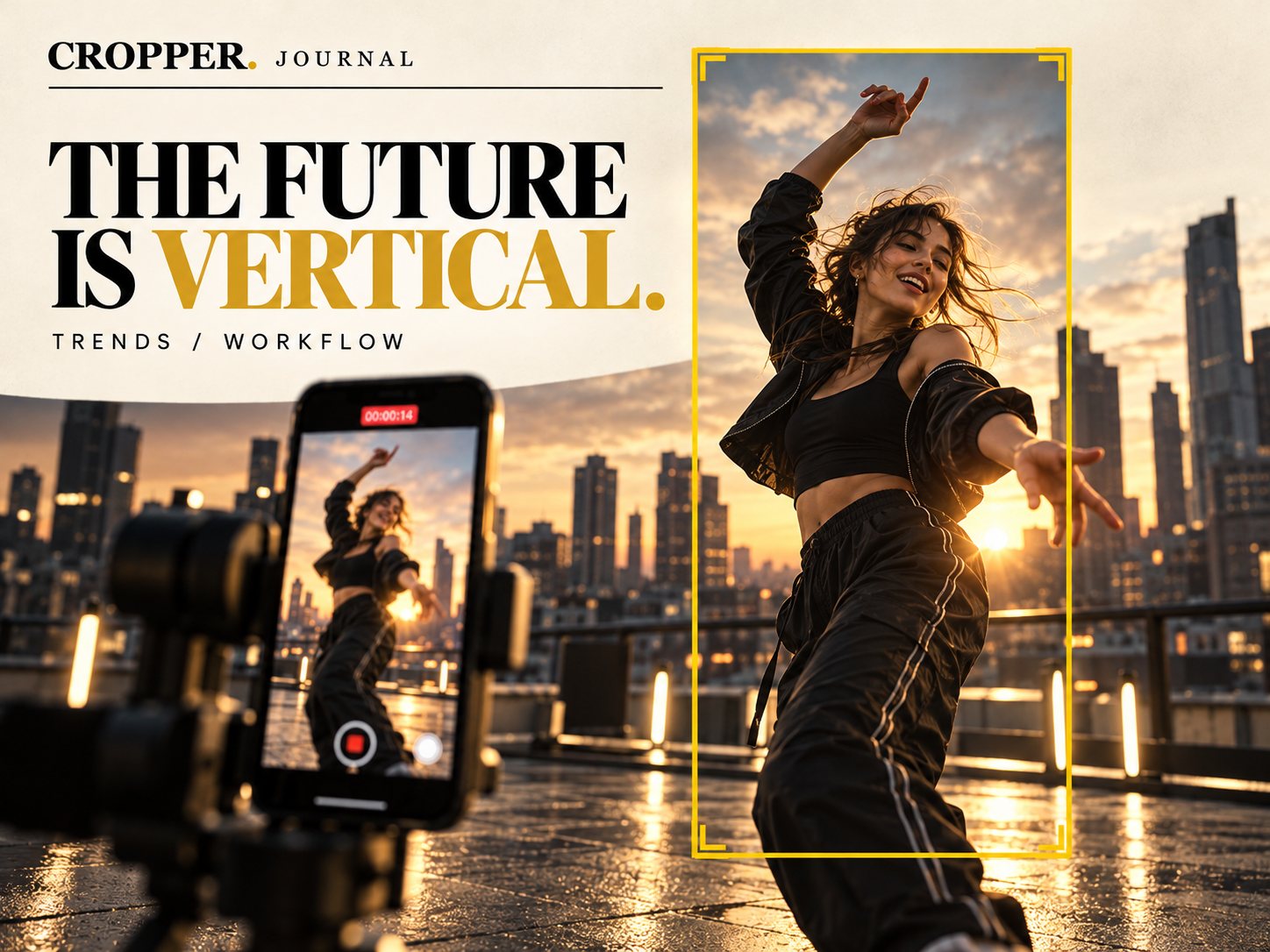
Quick answer: vertical video is now the main format on TikTok, Instagram Reels and YouTube Shorts, but the best vertical clips usually start as wide footage. Shooting 16:9 keeps your options open, and reframing by hand lets you pick the vertical moment that matters.
Most people hold their phone upright and never rotate it. Feeds are built around that habit. A video that fills the screen top to bottom feels native. A letterboxed widescreen clip feels like something borrowed from another medium.
Vertical is a delivery format, not a shooting rule
It is tempting to conclude that everything should be filmed vertically. For quick selfie content, that is fine. For anything with movement, multiple people or a sense of place, shooting vertically throws information away before you know what you will need. A dancer leaves the frame. A second speaker is cut off. The skyline that made the shot special is gone.
Wide footage is insurance. One 16:9 recording can become a widescreen YouTube video, a square post and several vertical clips, each framed for its own purpose.
The frame becomes an editing decision
When you shoot wide and deliver vertical, framing moves from the camera to the edit. That is a creative opportunity. You can watch the take, see where the energy is and place the 9:16 window exactly there, then move it as the action moves.
This is the idea behind Cropper: the editor guides the vertical frame by hand, with a finger on mobile or with keyframes in Premiere Pro and DaVinci Resolve, instead of accepting a fixed center crop.
What this means for creators
Shoot with room. Leave space around your subject so the vertical window has somewhere to travel.
Think in moments. Vertical clips are short. Look for the five to fifteen seconds that carry the story.
Keep the master. Archive the wide original. Platforms change, and a wide master can be reframed again for whatever comes next.
For a deeper look at planning, read Shoot Wide, Deliver Vertical and Choosing the Right Aspect Ratio for Each Platform.
Shoot once. Frame for every screen.
Cropper turns wide footage into vertical stories you frame yourself, on iPhone, Android, iPad and inside your desktop editor.
Explore the Cropper plugins for Premiere Pro and DaVinci Resolve · Cropper on the App Store · Cropper on Google Play