Reframing on a Tablet: Why Touch Makes Vertical Editing Faster
A mouse moves a cursor. A finger points at the subject. Why a tablet is one of the fastest tools for reframing video by hand.
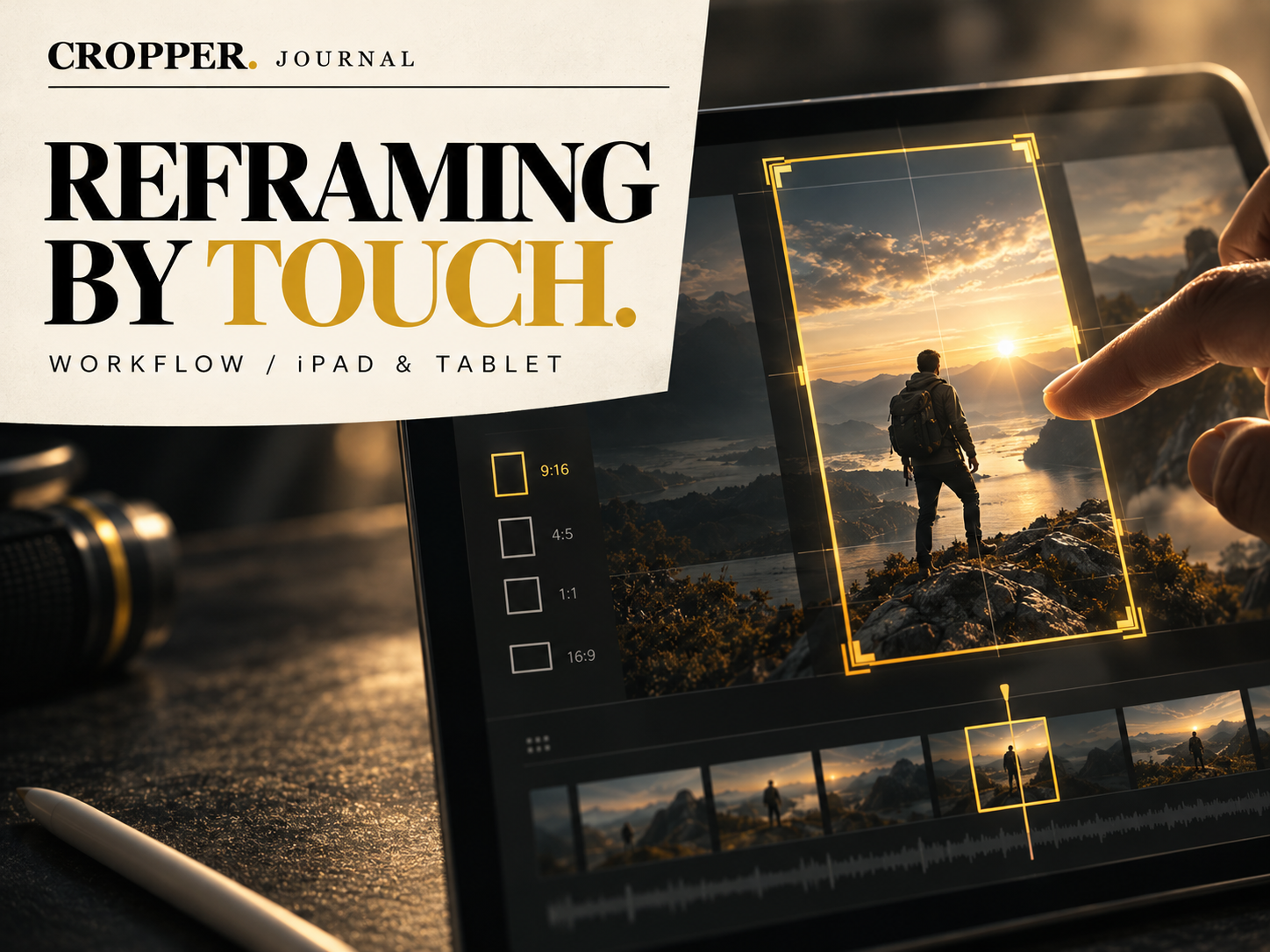
Reframing is about pointing. At every moment the editor is answering one question: where should the viewer look? On a desktop, that answer has to travel through a mouse, a cursor and a set of numeric controls. On a tablet, you simply put your finger on the subject.
Direct manipulation
When you drag a crop window with your finger, the connection between intention and result is immediate. You see the player run, you follow them. There is no translation into X and Y values and no hunting for the right handle. That directness is why many editors find hand-guided reframing on a touch screen faster than doing the same job with keyboard and mouse.
A bigger canvas than a phone
Phones work for quick edits, but a tablet gives you room to see the whole 16:9 source and the vertical window at the same time, with your hand covering less of the picture. That extra space makes it easier to anticipate movement and lead the subject instead of chasing it. It is why Cropper feels at its best on an iPad or Android tablet.
Play and guide in real time
The most natural way to reframe on a tablet is to play the clip and guide the frame as it runs, the same way a camera operator follows action. Then go back and refine: remove an unnecessary keyframe, hold a moment longer, adjust how smoothly the frame moves.
A practical setup
Use a stand. Holding a tablet and guiding with the other hand gets tiring. A simple stand at a comfortable angle keeps your hand steady.
Work in short sections. Reframe a few seconds at a time, review, then continue. It keeps each decision deliberate.
Watch the result upright. Before exporting, view the vertical clip on a phone to check it the way your audience will.
Shoot once in 16:9, reframe by touch, and deliver vertical for every platform.