Cropper vs CapCut Auto Reframe: Which Is Better for Vertical Video?
CapCut decides where the frame goes. Cropper lets you decide. An honest comparison of automatic and hand-guided reframing for Reels, TikTok and Shorts.
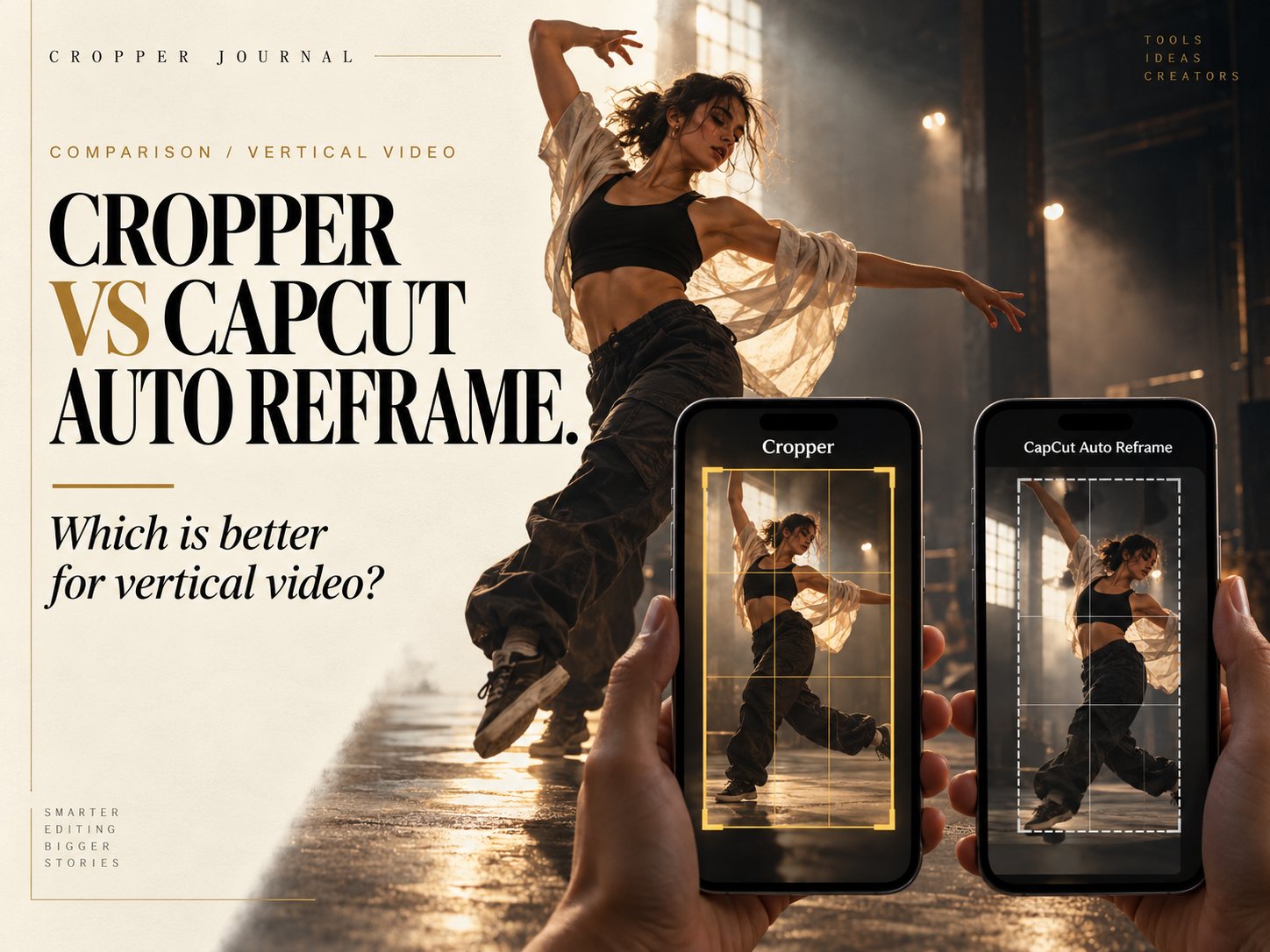
Quick answer: CapCut Auto Reframe is the faster choice if you want software to pick the framing for you and you already pay for CapCut Pro. Cropper is the better choice when the framing matters, because you guide the 9:16 crop yourself with one finger, choose how smoothly it moves and keep every decision. Cropper is free to try on iPhone and Android, with a watermark until you upgrade.
Both apps solve the same problem: turning wide 16:9 footage into vertical video for Reels, TikTok and Shorts. They take opposite approaches, and that difference decides which one suits your work.
How CapCut Auto Reframe works
CapCut's Auto Reframe analyses the clip and moves the crop automatically to keep the main subject in view. It is available on mobile, desktop and the web. According to CapCut's own help pages, Auto Reframe is now a CapCut Pro feature, so free users see a subscription prompt. On CapCut Online, subscribers can adjust tracking speed, subject sensitivity and output ratio.
For a single person walking through a plain scene, automatic tracking often does a good job in seconds.
How Cropper works
Cropper is a gesture-first reframing app. You load a wide clip, turn the phone or tablet sideways and drag the vertical frame with one finger as the footage plays. Pinch to zoom. Each move becomes a keyframe, and you choose how the frame travels between them with Movie, Sport or Smooth motion. Track mode can follow a subject for you on Pro, and you can still take over by hand at any moment.
Captions, enhancement and export all happen on the device. Nothing is uploaded.
Where the difference shows
More than one subject. Automatic tools have to guess who matters. In a celebration, a podcast or a dance duet, they may jump between people or settle on the wrong one. With Cropper you simply point at the person the story is about.
Fast action. In sport, the ball is small and play changes direction in a second. Algorithms tend to follow the biggest moving shape. A human editor can anticipate the pass and lead the frame. See why the ball beats the algorithm.
Feel. Automatic crops often make many small corrections, which looks nervous. A few deliberate moves look like a camera operator.
Speed. Here CapCut wins. If you have fifty clips and the framing does not need to be perfect, automatic is quicker.
Side by side
Who decides the framing: CapCut, the algorithm. Cropper, you.
Motion control: CapCut offers speed and sensitivity settings on the web. Cropper lets you place every keyframe and pick Movie, Sport or Smooth motion between them.
Platforms: CapCut runs on mobile, desktop and web. Cropper runs on iPhone, iPad, Android phones and tablets, with plugins for Premiere Pro and DaVinci Resolve.
Cost of reframing: CapCut Auto Reframe requires CapCut Pro. Cropper is free with a watermark. Pro is $4.99 a month, $19.99 a year or $99.99 for lifetime access.
Privacy: Cropper processes footage on the device.
Which should you choose?
Choose CapCut Auto Reframe if you already use CapCut for everything, your clips have one clear subject and speed matters more than precision.
Choose Cropper if you film sport, interviews, podcasts, dance or anything with more than one person, or if you simply want the frame to go where you would have pointed the camera. Many editors use both: automatic for volume, hand-guided for the clips that carry the account.
For more on the trade-offs, read Manual Reframing vs. Auto Reframe and Center Crop Is Not a Strategy.
Try hand-guided reframing
Cropper is free to download. Open a wide clip, guide the frame with your finger and export a vertical story in minutes.
Download Cropper on the App Store · Get it on Google Play
CapCut is a trademark of its owner. Feature and pricing details for CapCut are based on CapCut's public help pages as of October 2026 and may change.