Hands-On Control: Manual Reframing vs. Auto Reframe for Vertical Video
Auto reframe is fast but it guesses. Manual, hand-guided reframing takes a little longer and puts every framing decision back with the editor.
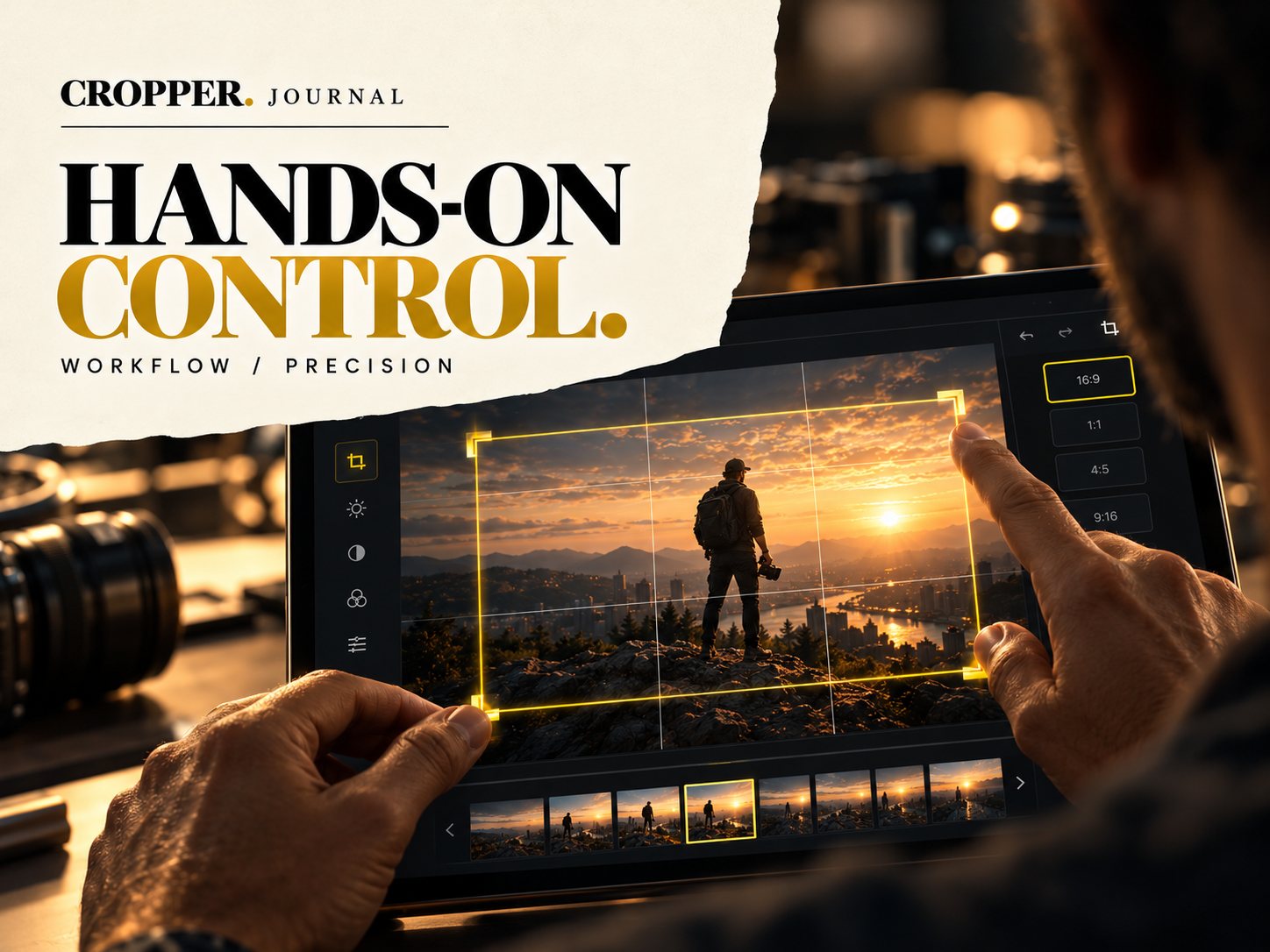
Quick answer: auto reframe tools detect motion or faces and move the crop for you, which is quick for simple shots but often feels robotic or follows the wrong thing. Manual reframing lets the editor choose the subject, the timing and how smooth each move is. Use auto for volume, manual when the clip matters.
Most editors meet automatic reframing first, since several editing apps include it. It is a useful starting point. It is rarely the finish line.
What auto reframe does well
Single subject, steady movement, plain background: auto tools handle these reasonably. If you need a rough vertical version of a long video quickly, they save time.
Where it struggles
Multiple subjects: it may jump between people or settle on the wrong one.
Fast action: it often lags behind the ball or overshoots.
Meaning: it follows motion, not story. The most important person in a shot is not always the one moving.
Feel: constant micro-adjustments look nervous rather than like a camera operator.
What manual reframing gives you
With hand-guided reframing you decide where the frame goes and when. You can hold still on a speaker, sweep with a runner or push in on a reaction. In Cropper, you guide the frame by touch on your phone or tablet, and you choose how smoothly the frame travels between positions.
A practical hybrid
Use automatic tools for low-stakes, high-volume content. For hero clips, ads and anything with more than one subject, frame it yourself. The extra minutes show in the result.
Take control of the frame
Cropper is built for editors who want to decide where the viewer looks.