Captions That Work: Placing and Styling Text for Vertical Video
Many people watch with the sound off. Where to place captions in a 9:16 frame, how big to make them and how to keep them clear of platform buttons.
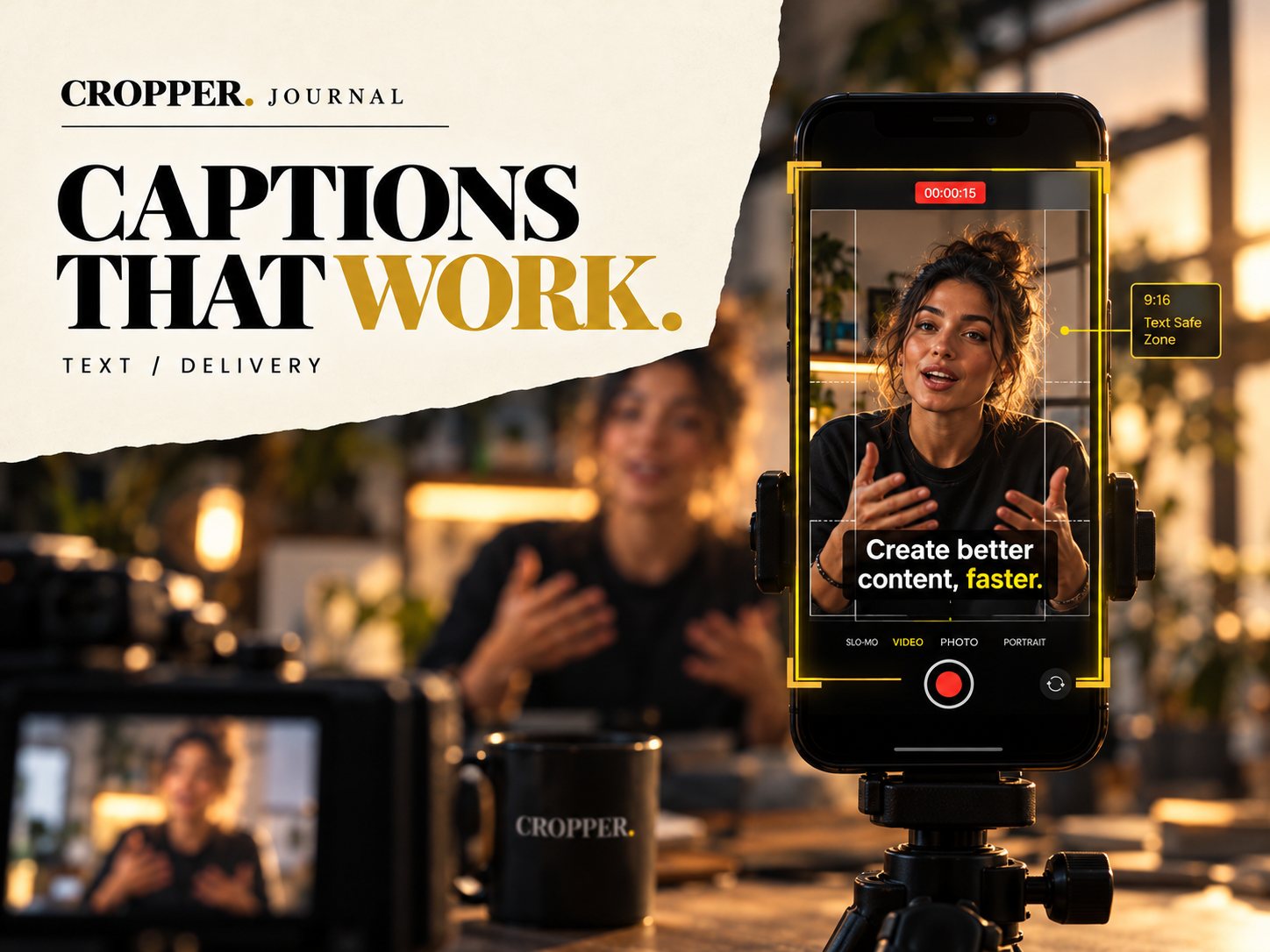
Quick answer: place captions in the middle-lower part of a vertical frame, above the bottom area where platforms show usernames, descriptions and buttons, and away from the right edge where like and share icons sit. Use short lines, large bold type and high contrast, and keep them off the speaker's face.
Captions are not only for accessibility, though that matters. In a silent feed they are often what decides whether someone keeps watching.
Where captions go
The bottom of a vertical video is crowded with interface. The right side has a column of icons. The top has account details and controls. That leaves a central band, slightly below the middle of the screen, as the safest place for text.
Style that reads on a phone
Size: larger than you think. Captions must read on a small screen at arm's length.
Weight: bold sans serif fonts read best.
Contrast: white text with a dark outline or a semi-transparent box works on any background.
Line length: two short lines at most. Break lines on natural pauses.
Highlight: coloring one key word per line helps scanning.
Framing and captions together
When you reframe, leave room for text. If the speaker's face sits in the center of the frame, captions fit comfortably below the chin. If the frame is tight, move it to give space. Framing and captions are one composition.
Timing
Captions should appear with the words and leave soon after. A caption that lingers into the next sentence is confusing. Check the timing again after any re-edit.
Frame for text from the start
Cropper lets you choose the vertical framing by hand, so you can leave room for captions where you need it.