Camera Settings for Reframing: Resolution, Lens and Headroom When You Will Crop to 9:16
How much resolution do you need to crop vertical video from a wide shot? The math, the lens choices and the framing habits that keep crops sharp.
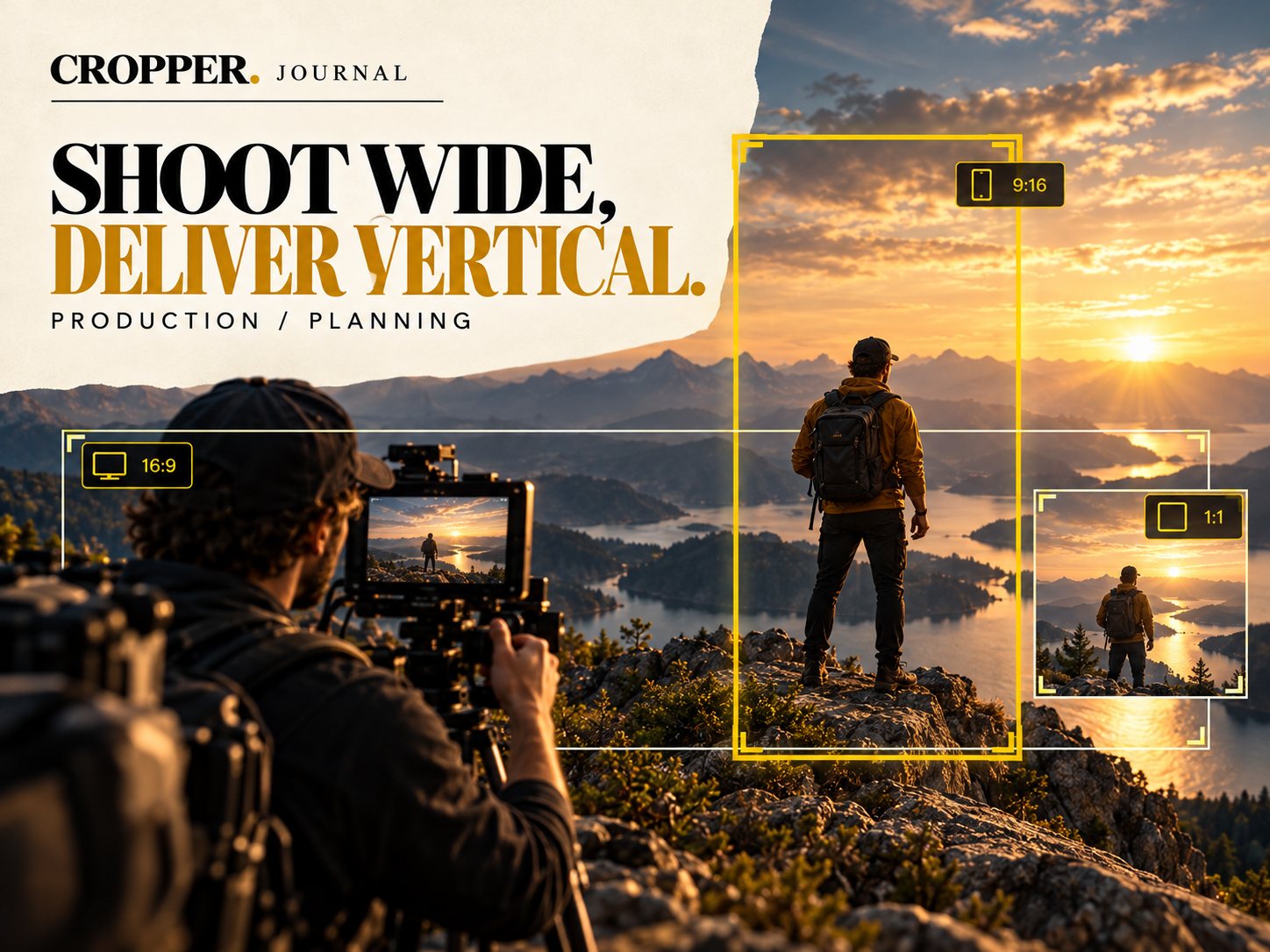
Quick answer: a full-height 9:16 crop from 1920 x 1080 footage is only about 608 x 1080 pixels, which looks soft when scaled to 1080 x 1920. From 4K (3840 x 2160) the same crop is about 1215 x 2160, enough for a sharp 1080 x 1920 vertical. Shoot 4K or higher whenever you plan to reframe.
Reframing is cropping, and cropping spends resolution. A few decisions on set make the difference between crisp vertical clips and soft ones.
The resolution math
A vertical frame is 9 units wide for every 16 tall. Take the full height of your wide image and the vertical slice is 9/16 of that height in width.
1080p source: 1080 tall, about 608 wide. Upscaled to 1080 x 1920 it loses detail.
4K UHD source: 2160 tall, about 1215 wide. Comfortably above 1080 x 1920.
6K and above: room to crop tighter than full height and still deliver sharp vertical.
Lens and distance
Slightly wider lenses give the vertical window room to move, but going too wide shrinks your subject and forces a tighter crop. A normal or mild wide lens with the subject at a comfortable size usually works best. Avoid placing important action at the extreme edges, where distortion is strongest.
Headroom and foot room
A vertical frame cut from the full height of a wide shot includes everything top to bottom. Frame so the subject's head is not touching the top of the wide frame, and leave a little space below the feet. You can always crop tighter in the edit. You cannot add pixels that were never recorded.
Other settings that help
Higher bitrate: crops reveal compression. Use the best codec your workflow can handle.
Faster shutter for action: slightly sharper frames survive cropping better.
Steady camera: a locked-off or stabilized wide shot makes the vertical frame movement the only motion.
Shoot for the crop
Capture wide, high-resolution footage, then frame the vertical story by hand with Cropper.