Events for Reels and Shorts: Turning Concert and Live Event Footage Into Vertical Clips
Live events are shot wide for the big screen. Here is how to pull vertical clips for Reels and Shorts without losing the energy of the room.
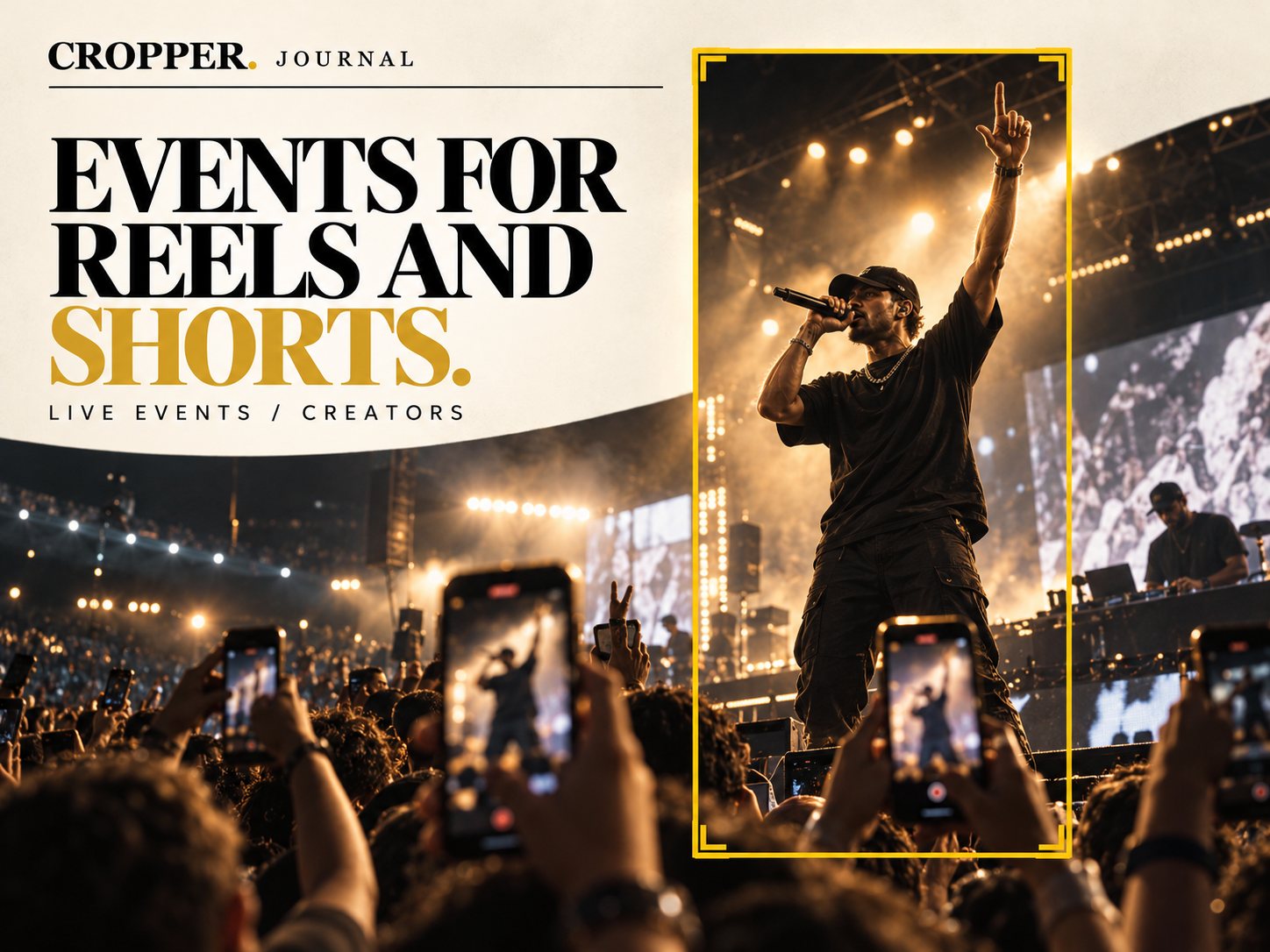
Quick answer: shoot the event wide in 4K if you can, then reframe the best moments to 9:16 afterward. Follow the performer, cut to crowd reactions and keep stage lights and screens from overpowering the vertical frame.
Concerts, festivals, conferences and sports nights all produce hours of footage and demand clips the same night. Vertical delivery is where most of that audience will see it.
Why not just shoot vertical?
A vertical camera on the stage misses the crowd, the light show and the second performer. The wide angle captures all of it. Reframing later means one camera position can deliver both the event film and the social clips.
Framing performers
Follow the body, not the light. Stage lighting changes constantly. Keep the frame on the performer, even when the brightest part of the image is elsewhere.
Use the arm and the mic. Raised hands and microphone gestures are naturally vertical. Frame to include them.
Lead with movement. When the performer walks the stage, leave room ahead of them.
Using the crowd
Phones in the air, singing faces and hands reaching up tell the viewer the moment is big. Cut a short crowd shot between performer shots. In a wide crowd angle, find one or two faces and frame them tightly rather than showing a sea of heads.
Turnaround tips
Mark moments live. Note timecodes of big songs or speeches as they happen.
Reframe on the move. Cropper on a phone or iPad lets you cut a vertical clip backstage, minutes after the moment.
Check exposure in the crop. A frame that was balanced wide can be blown out once only the lit stage remains.
From the stage to the feed
Cropper helps you pull vertical moments from wide event footage, by hand, on your phone or tablet.