Keyframes Explained: Smooth Camera Moves in a Vertical Crop
What keyframes are, how a crop moves between them, and how to place fewer, better keyframes for movement that feels like a real camera.
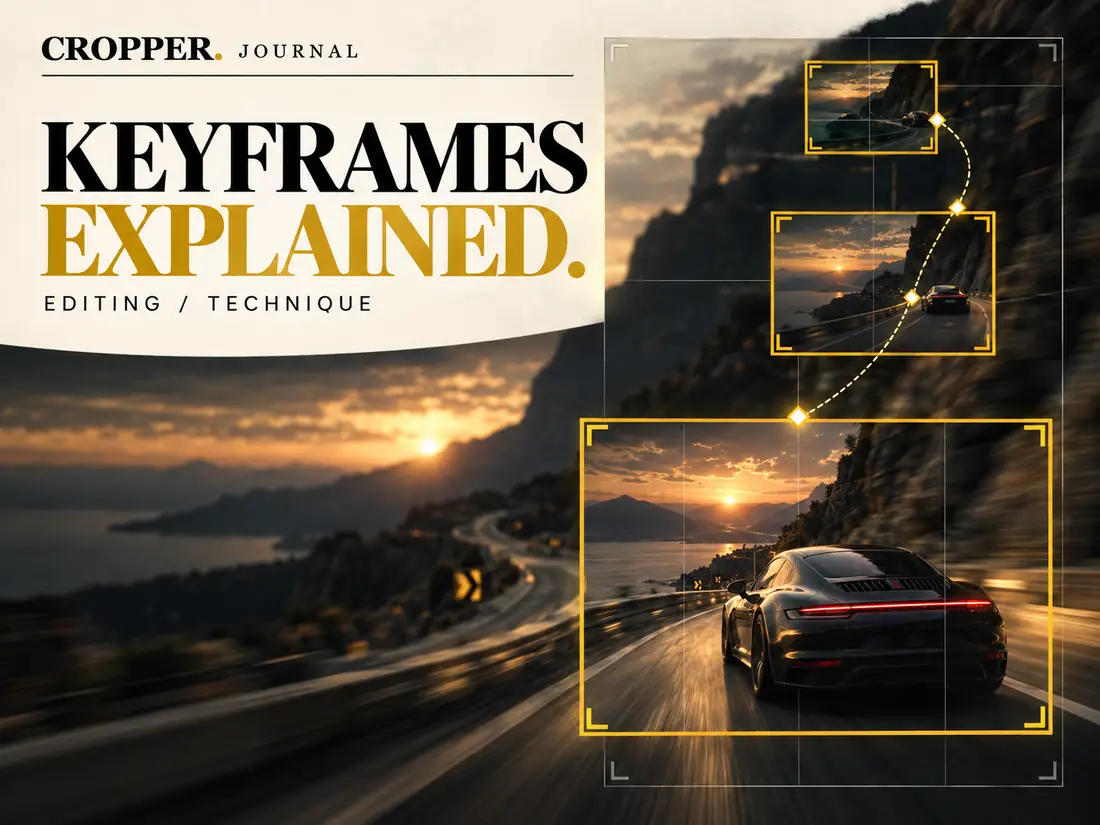
Every moving crop is built from keyframes. Understanding how they work is the difference between a vertical edit that floats around the image and one that moves like a camera operator was there.
What a keyframe is
A keyframe is a saved position for the frame at a specific moment in time. If the frame is on the left at two seconds and on the right at four seconds, the software calculates every position in between. You set the destinations; the software draws the path.
Fewer keyframes, better movement
The most common mistake is placing too many keyframes. Each one adds a change of direction or speed, and many small changes produce a restless, jittery result. Good camera movement has a clear start, a clear end and a smooth journey in between.
As a rule of thumb, add a keyframe only when the frame needs to be somewhere new for a reason: a new subject, a new action, or a composition that has drifted out of balance.
Easing: how the movement starts and stops
A real camera does not start and stop instantly. It accelerates out of a still position and slows before it settles. This is called easing. Movement with easing feels physical and intentional. Linear movement, which runs at a constant speed and stops dead, feels mechanical.
For most reframing work, eased movement is the right default. Linear motion has its place when you are tracking something that itself moves at a steady speed, like a car crossing the frame.
Holds are keyframes too
Sometimes the best move is no move. Two keyframes in the same position create a hold, a moment where the frame stays perfectly still. Holds give the viewer a chance to absorb what they are seeing and make the next movement feel more deliberate.
How Cropper handles it
In Cropper, keyframes are created as you guide the frame with a tap or a drag, and you choose how smooth the movement between them should be. You can then review the clip, remove the keyframes you don't need, and nudge the ones that matter. The aim is always the same: movement that serves the story and never draws attention to itself.