Reframing Interviews and Podcasts: Following the Conversation in 9:16
Two people, one vertical frame. How to cut interview and podcast footage so the viewer always knows who is speaking.
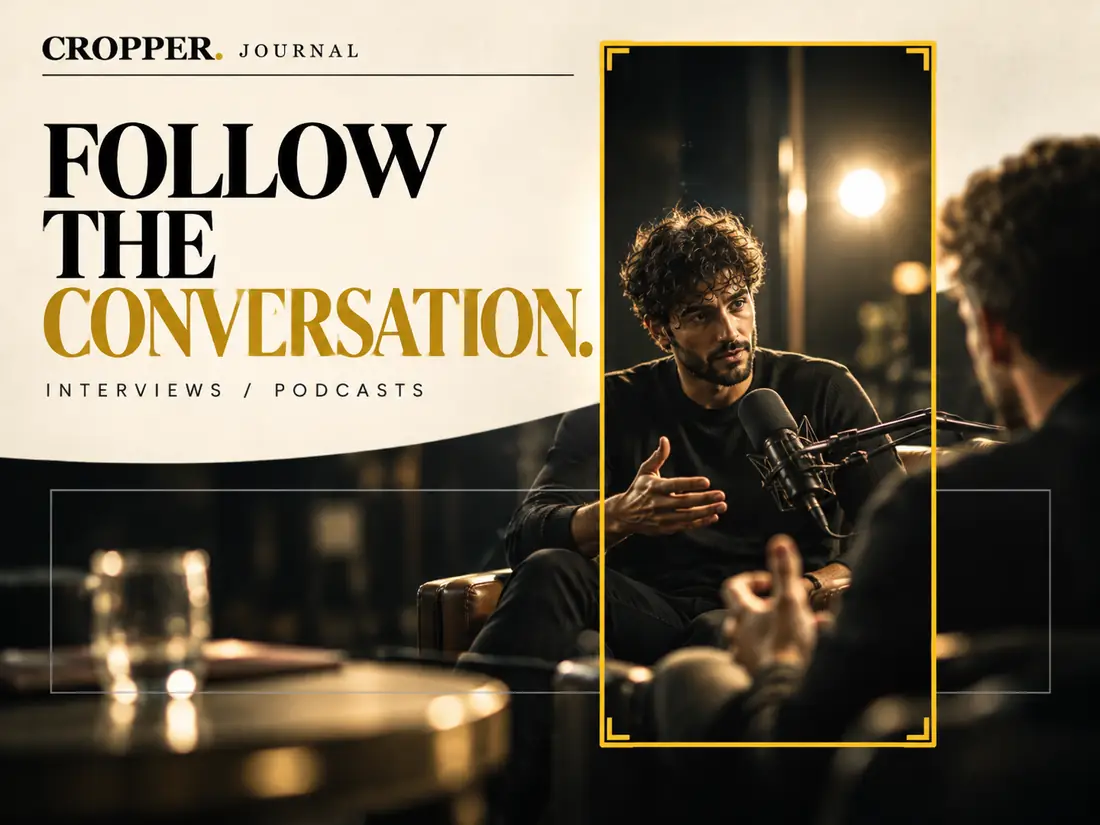
A two-person podcast shot in 16:9 usually shows both hosts side by side. That works on a laptop. On a phone held upright, only one of them fits. The vertical edit has to make a choice that the wide shot never had to make: who are we looking at right now?
Cut, don't pan, between speakers
When the conversation passes from one person to the other, a smooth pan across the table rarely looks good in vertical. The frame slides across empty space and the viewer sees a blurred middle. A clean cut to the new speaker feels natural, because it mirrors what a multi-camera production would do.
In practice, that means placing a keyframe at the moment the new speaker starts, with no transition in between.
Time the cuts to the conversation
Cut on the first word, not before it. Switching slightly early can feel like the edit is anticipating the speaker. Switching on the breath or the first syllable feels right.
Stay for reactions. Some of the best moments in an interview are the listener's face. If a laugh or a raised eyebrow carries the moment, hold on the listener for a beat before returning to the speaker.
Don't cut on every interjection. A quick "yeah" or "right" from the other host does not need its own shot. Too many cuts make the clip feel frantic.
Single-person interviews
When one subject is talking to an off-camera interviewer, the job is mostly about stability. People move while they talk. Rather than following every lean, set a frame with comfortable space around the head and only move when the subject drifts far enough to unbalance the composition. A few gentle adjustments look better than constant tracking.
Leave room for captions
Most vertical interview clips are watched with captions. Place the face in the upper part of the frame so subtitles in the lower third do not cover the mouth or chin.
With Cropper you can tap between speakers as the clip plays, then fine-tune each keyframe afterward. The result is a vertical conversation that feels edited, not cropped.