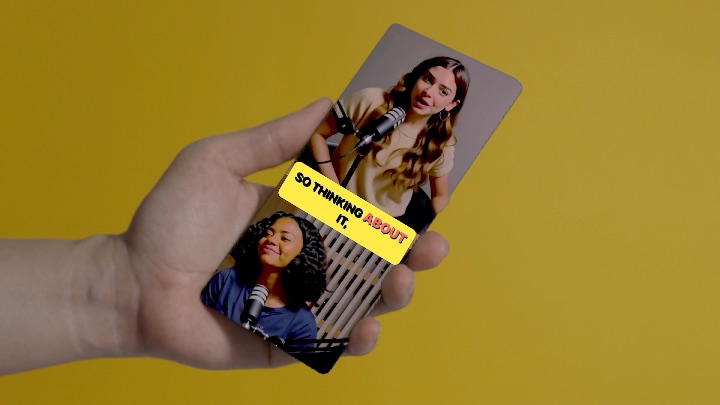
**Why Your Vertical Videos Look Like They’re On Auto-Pilot (And How to Fix It)**
You’ve seen it a thousand times: horizontal footage reframed to vertical, and the pan feels… robotic. Like an algorithm made the choice, not a human.
That’s because it usually did.
Most reframe tools rely on AI to guess where your subject is going. Smooth? Sure. Boring? Absolutely.
**Auto-reframe feels robotic. This doesn’t.**
Cropper gives you three ways to reframe—and you pick which one matches your shot:
– **Direct control**: Two fingers. Drag live. No timeline nonsense.
– **Keyframe beats**: Set points where the frame should be. Cropper connects them smoothly.
– **AI Follow**: On-device subject tracking that *you* tune. Adjust the movement speed so it feels like a human editor made the call.
The broadcast difference: Cropper was built by a DP who spent 20 years framing shots in real time. Timelines felt wrong. So we cut them out.
One horizontal video. Three minutes. Vertical result that doesn’t feel like a robot made it.
Free forever. Try it.
https://cropper.video
https://apps.apple.com/us/app/cropper-vertical-video-editor/id6769541077
https://play.google.com/store/apps/details?id=com.aftervideo.cropper
https://adobe.com/go/cc_plugins_discover_plugin?pluginId=205818&workflow=share
#VideoEditing #ShortFormVideo #VerticalVideo #CreatorTools #EditingHacks #PremierePro